
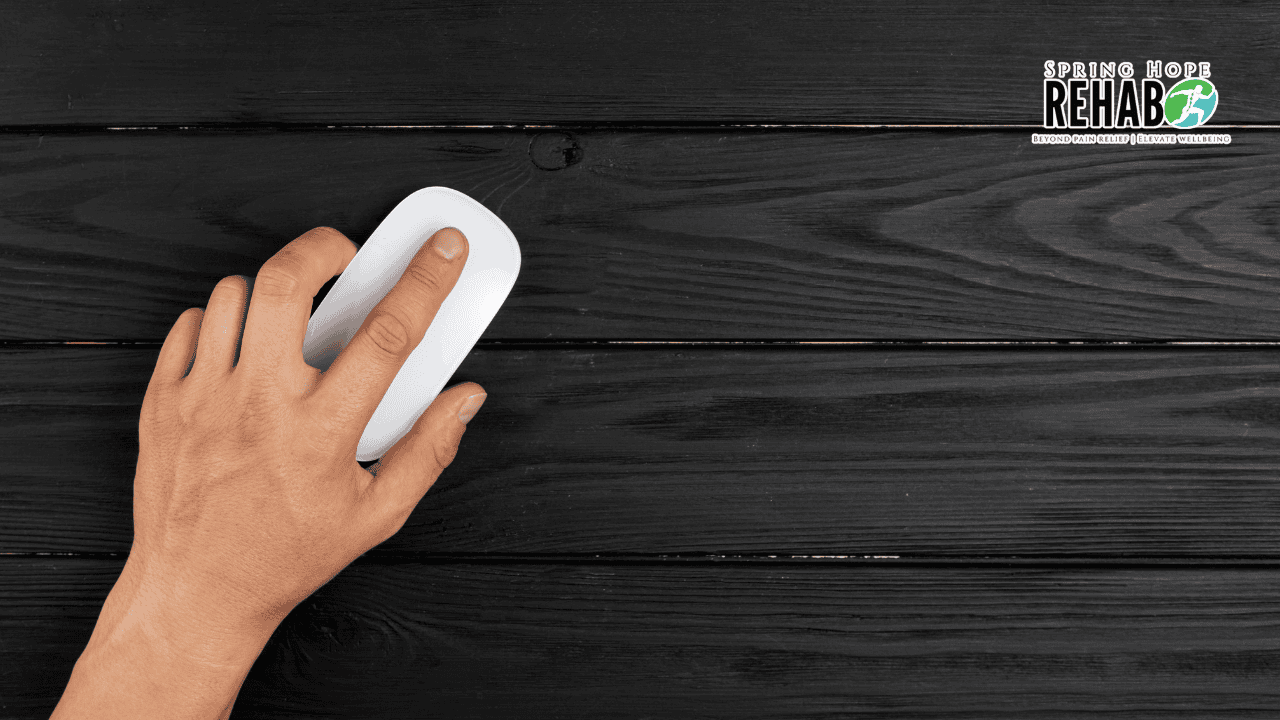
If you work at a computer every day, you probably do not think twice about your mouse hand. It sits there clicking, scrolling and moving the cursor for hours, often without you even noticing how much work it is doing.
For most people, this is not a problem. But sometimes, that small and repetitive movement starts to catch up with you. You might notice a slight ache in your wrist at the end of the day, some tiredness in your forearm, or a feeling that your hand is not quite as comfortable as it used to be.
It is easy to ignore these early signs. After all, it is only a little soreness.
But repetitive strain often builds gradually, which also means there is a good chance to do something about it before the discomfort becomes more persistent.
What Is the “Mouse Hand”?
There is no specific medical condition called “mouse hand”. It is simply a common way of describing wrist, hand and forearm discomfort that can develop from spending long periods using a computer mouse.
This type of problem can fall under work-related upper limb disorders or repetitive strain injuries. These can affect different parts of the arm, including the shoulder, elbow, forearm, wrist and hand.
So why can something as simple as using a mouse cause discomfort?
Your forearm muscles control many of the small movements of your fingers and wrist. When you keep your hand in roughly the same position and repeat the same small movements for hours, those muscles and surrounding tissues do not get much opportunity to rest.
One click is not much of a problem. Hundreds or thousands of clicks, combined with scrolling and gripping the mouse for hours, can be a different story.
Why Should You Pay Attention to the Early Signs?
One of the frustrating things about repetitive strain is that it can start so quietly.
At first, you might only notice some discomfort towards the end of the working day. After you stop using the computer, it goes away. The next morning, everything feels fine again.
That can make it tempting to ignore.
However, if the same pattern continues day after day, the discomfort may start appearing earlier and last longer. Something that initially only happened after a long day at the computer can eventually start bothering you outside work too.
This is why the early stage is a good time to make a few changes. You do not have to wait until the pain becomes severe before doing something about it.
Early Signs to Look Out For
Mouse-related strain does not always feel the same for everyone. Some common signs include:
- A dull ache or tired feeling in the wrist, hand or forearm after using the computer
- Soreness that appears during or after a long computer session and improves with rest
- Stiffness in the wrist or hand
- A feeling of weakness or reduced grip
- Discomfort that is mainly noticeable on the hand you use for the mouse
- More soreness after a particularly busy day of clicking and scrolling
You may also notice tingling or numbness in your fingers.
This is slightly different from ordinary muscle fatigue. Tingling or numbness can sometimes be linked to nerve irritation. For example, carpal tunnel syndrome involves pressure on the median nerve at the wrist and can cause tingling or numbness, particularly in the thumb, index and middle fingers.
If numbness or tingling keeps happening, it is better to have it checked rather than assuming it is simply from using the mouse too much.
How to Set Up Your Workspace to Reduce Strain
You do not necessarily need an expensive desk setup to make your computer work more comfortable. Small changes to the way you sit and use your mouse can help reduce the strain on your wrist and forearm.
A few things to try:
- Keep your forearm roughly horizontal and your wrist in a relaxed, neutral position rather than bending it upwards or sideways.
- Keep the mouse close enough that you do not have to reach out to the side to use it.
- Let your forearm rest on the desk when possible rather than holding it up for long periods.
- Take short, regular breaks instead of working for several hours before taking one long break.
- Change tasks throughout the day when possible, so you are not repeating the same hand and wrist movements continuously.
- Move your shoulders, arms and neck regularly rather than staying in the same position for hours.
- Get up and move around regularly, especially if you have been sitting at the computer for a long time.
- Make sure your chair, desk and screen are set up in a way that feels comfortable and supported.
The aim is not to create a perfect workstation. It is simply to reduce the amount of time your wrist and forearm spend in the same position doing the same movement.
When Should You See a Professional?
If the discomfort improves with rest and does not keep coming back, simple changes to your workstation and daily habits may be enough.
It is worth getting an assessment if the pain keeps returning despite making changes, continues outside working hours, affects your grip, or starts interfering with normal activities.
Tingling or numbness in the fingers is another reason to get checked, particularly if it keeps happening or becomes more noticeable.
A registered physiotherapist can assess your wrist, hand and forearm, look at how you are using your workstation and suggest practical changes based on your symptoms.
For people who prefer to be seen at home, a home-based Physiotherapy Clinic can provide an assessment without requiring you to travel to a clinic.
If your symptoms are persistent or getting worse, a doctor or other qualified healthcare professional can also help determine what may be causing them.
Key Takeaways
- “Mouse hand” is a common term for wrist, hand and forearm discomfort that can develop from prolonged computer mouse use.
- The problem is usually related to repeated movements and holding the hand and wrist in the same position for long periods.
- Early signs can include aching, tiredness, stiffness or weakness in the wrist, hand or forearm.
- Tingling or numbness can sometimes point to nerve irritation and should not simply be ignored if it keeps happening.
- Keeping the wrist neutral, positioning the mouse comfortably and taking regular breaks can help reduce the strain.
- If the discomfort keeps coming back, lasts outside working hours or affects your grip, consider getting it assessed.
Conclusion
Using a mouse is a normal part of working at a computer, so you are not expected to avoid it completely. The bigger issue is spending hours doing the same small movements without giving your hand and forearm much time to recover.
If you start noticing an ache at the end of the day, some stiffness in your wrist or a tired feeling in your forearm, take it as a reason to make a few changes. Move around more, take regular breaks and check whether your workstation is putting unnecessary strain on your hand.
Small changes are often easier to make when the problem is still mild. And if the discomfort does not settle or starts affecting your everyday activities, a qualified physiotherapist or doctor can help work out what is going on.
The information provided in this post is for general educational purposes only and does not constitute medical advice. Please consult a qualified healthcare professional or a registered physiotherapist for an assessment of your individual condition.